
What is the return-to-project tax?
The return-to-project tax is the time and mental effort needed to reconstruct where a paused research project stands before useful work can resume. It grows when files, decisions, notes, versions and next steps are stored separately—or only remembered.
Three weeks ago, you finished collecting your data.
At the time, everything made sense. You knew where the latest transcripts were. You remembered why certain passages were highlighted. You had a clear idea of the next analytical step.
Then came meetings, teaching, another deadline, and ordinary life. Now you finally have time to return to the analysis.
You open your laptop.
And the questions begin.
Where did I save the latest transcript? Why did I highlight this passage? Was this code part of the final analysis or an earlier attempt? What had I planned to do next?
Instead of analyzing, you are reconstructing.
The return-to-project tax
This experience is common because research rarely happens in one uninterrupted block. Projects pause while ethics amendments are reviewed, collaborators respond, fieldwork continues, papers are revised, or another responsibility becomes urgent.
The pause is not the problem. The problem is what the project forgets while you are away.
Files preserve content, but they rarely preserve intent. A transcript can show which passage you highlighted; it cannot explain why the passage mattered. A script can show what was changed; it may not record why that choice was made. A folder can contain the newest version, yet still leave you uncertain about which file produced the result you trusted.
That uncertainty creates a return-to-project tax: the time and mental effort required to rebuild the state of the work before meaningful analysis can resume.
Fragmentation is often the real problem
Researchers are usually not careless. The difficulty is that the research story is spread across tools that were designed for separate jobs.
- Transcripts live in one folder.
- Analysis files live in another.
- Notes are divided between notebooks and documents.
- AI conversations sit in browser histories.
- Decisions are buried in email or meeting notes.
- The next step exists only in memory.
Each piece may be stored safely. The connection between the pieces is what disappears.
Over time, filenames become a substitute for context: interviews_final, interviews_final_2, analysis_revised, analysis_revised_new. The names tell you that something changed, but not what changed, why it changed, or whether the change was important.
A project memory needs four answers
You do not need to document every click. To make a project easy to resume, preserve four simple answers:
- Where am I? Identify the current dataset, transcript set, script, or project version.
- What changed? Record the meaningful action, not every mechanical step.
- Why did it change? Keep the reasoning, assumption, or constraint behind the decision.
- What happens next? Leave one concrete starting action for the next session.
Consider the difference between these two notes:
Cleaned the interview data.
and:
Standardized participant IDs in transcripts 01-18. Kept the original files unchanged. Next: check whether the demographic table uses the same ID format.
The second note takes only a little longer to write, but it contains a restart point. It reduces the amount of interpretation future you must perform.
Build continuity before you need it
The best time to preserve project context is not when you return. It is when you stop.
At the end of a work session, take two minutes to record:
- what you completed;
- the most important decision you made;
- anything still uncertain; and
- the first action for next time.
Keep that note beside the project history, not in a separate system you will later have to search. Connect it to the relevant file or version whenever possible. If a new analytical branch is created, record which source it came from and what question it is intended to answer.
This is not administrative work added to research. It is part of making the research usable - by you, by collaborators, and eventually by reviewers or future teams.
From file storage to research continuity
This problem was one of the starting points for SepiaLog.
The aim is not simply to organize files. It is to keep the research story connected: changes, versions, dataset branches, notes, decisions, and next steps. When you return after a week or six months, the project should show you where you stopped and give you a clear place to continue.
SepiaLog runs on your computer and keeps the journal beside your research workflow. A short note can be connected to the relevant project state. The Timeline makes versions and decisions visible. A future-self handover preserves the stopping point and the next action.
The goal is simple: less reconstruction, more analysis.
The six-month question
Before closing your next research session, ask:
If I opened this project six months from now, would I immediately know where to continue?
If the answer is no, the problem may not be your memory or your research skills. Your workflow may simply be asking memory to do work that the project itself should preserve.
Your future self does not need a perfect archive of every moment. It needs a trustworthy path back into the work.
Sources and further reading
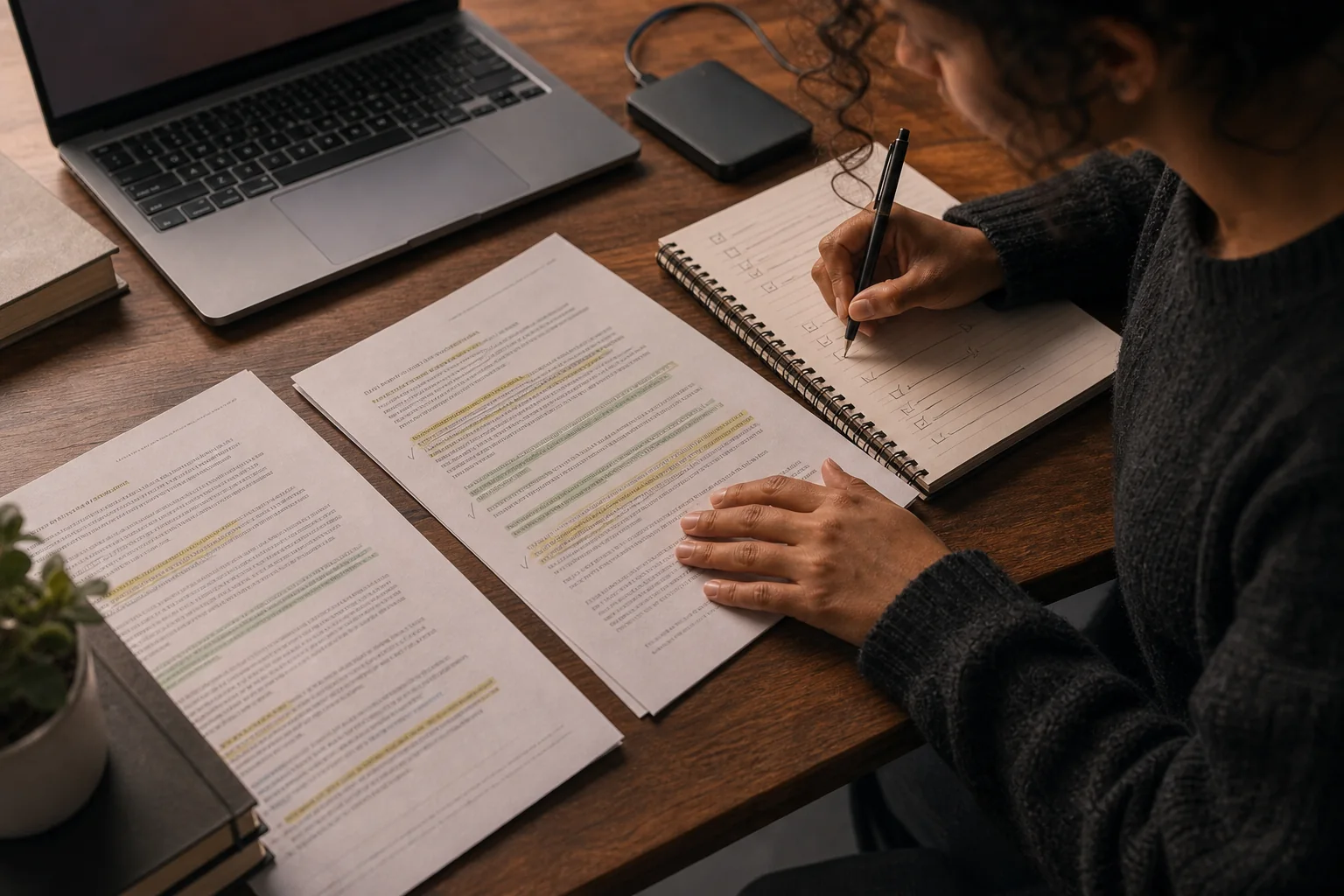
About the visuals: editorial photographs in this article are AI-generated illustrations and do not depict an endorsement or a documented participant. Product interfaces are shown only when they are genuine SepiaLog screens. Read our editorial and image policy.