The research problem
Files preserve content, but filenames rarely preserve the reasoning behind cleaning, recoding, exclusions or handovers. When that reasoning is divided between notebooks, email and memory, returning to a project becomes reconstruction rather than analysis.
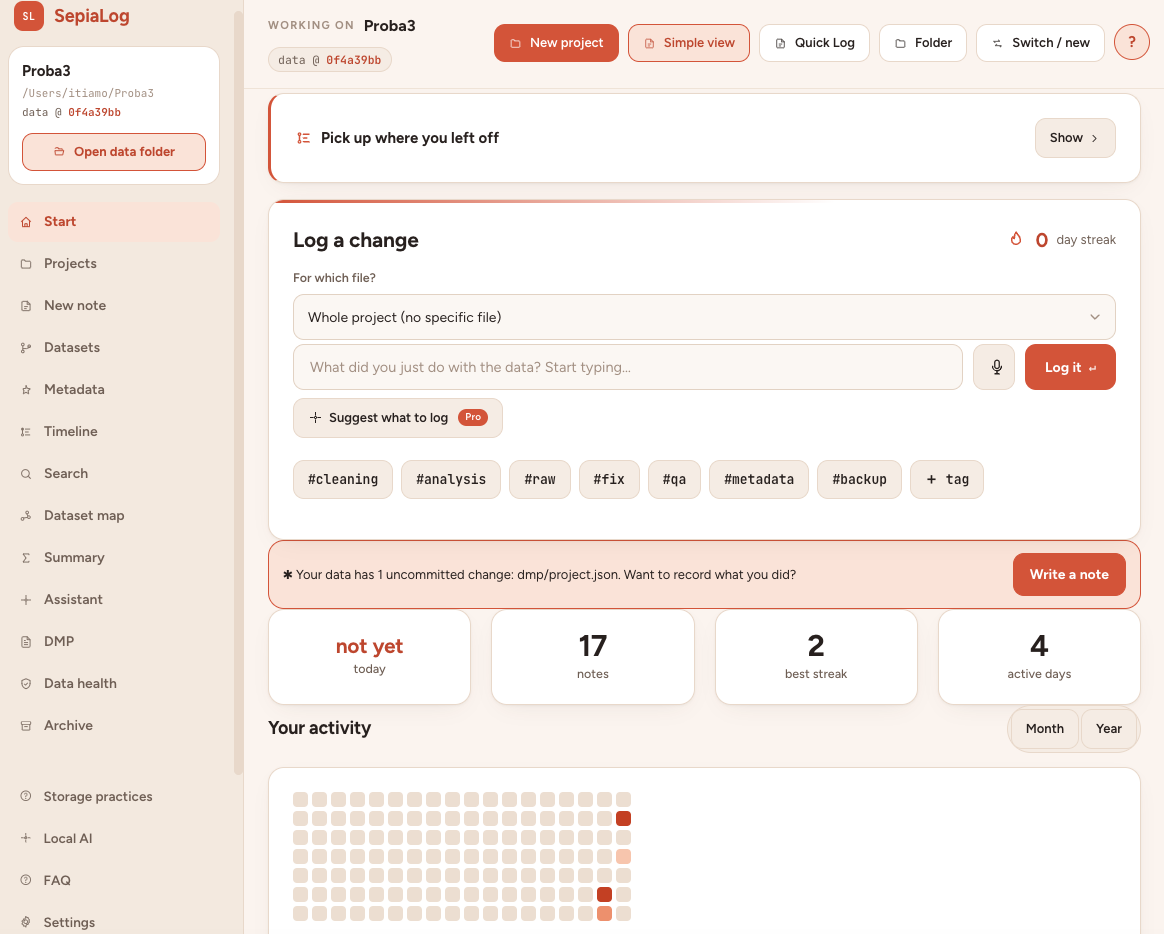
How the workflow works
- Write one short memo when a meaningful change is made.
- Connect the memo to the relevant project state, file and optional code revision.
- Use the journal, timeline and search to recover the decision later.
What SepiaLog provides
- Typed daily memos with hashtags
- Templates for cleaning, QA, import, analysis and backup
- Project-linked notes rather than a separate generic notebook
- Searchable change history and future-self handover
Common questions
Does every file operation need a note?
No. Record changes that affect meaning, provenance, interpretation, access or the next analytical step.
Where is the journal stored?
The journal is kept with the local SepiaLog project on the researcher’s computer.
Can notes use hashtags?
Yes. Hashtags help connect repeated methods, topics and decisions across files and time.